Sunday, November 15

Discover

New and updated

Party Play · One More Round
Available

Whose turn is it tonight?

Party Play · Dice, a spinner and ten-second challenges

Library

Categories and filters

14 apps

Apps / Night Light
Night Light

Night Light

Turn Tikpal Voice into a soft night light after dark.

AvailableTikpal Voice (ESP32-S3)0.1.1 · 5.3 MB
Developer
Tikpal
Age rating
4+
Mini app
Included

Open on your Tikpal Voice

No cable. Three taps on your Tikpal Voice.

  1. ×2Double-press the side buttonThe app ring opens, Tikpal in the middle and apps around it.
  2. Tap Night LightApps not ready yet look dimmer, with a down arrow.
  3. Open?Tap the screen to confirmWhen the rim fills, it is ready and opens.

You need: the Tikpal firmware on your Tikpal Voice, added in the Tikpal app and on Wi-Fi.

    Where it goesPlace 2 or 3 on your Tikpal Voice. If both are taken, the one used least recently is replaced; the confirm screen names it.
    KeepsThe Tikpal firmware, the other app, Wi-Fi, your account link and files on the TF card.
    AfterwardsNight Light opens right away. To go back to Tikpal, double-press the side button and tap Tikpal in the middle.
    Requirements and about this app

    No internet connection or points needed. Add Tikpal Voice in the Tikpal App first, then open Night Light from the app ring on the device.

    Place Tikpal Voice by your bed or on your desk and let it bring a little light to the night.

    Night Light provides gentle illumination for winding down, getting up after dark, and quiet moments. Open the app and keep a familiar glow close by.

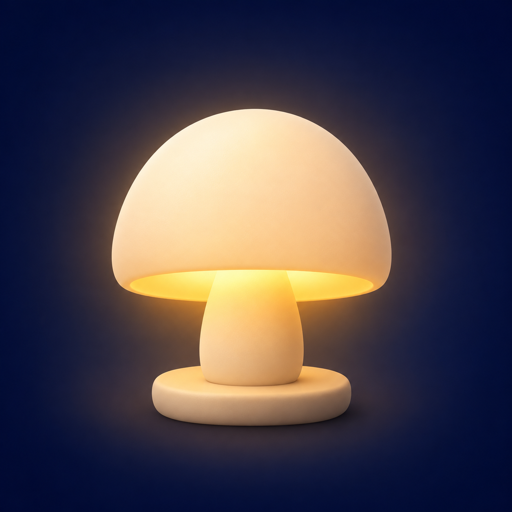
    Three lamps to choose from — a ring, a table lamp and a crescent moon. Swipe to switch.

    Version 0.1.1 · ESP-IDF 5.5.5 · Source 9bc3f2f · 5 files, each SHA-256 verified